The landing page explains. The newsletter keeps a conversation going with people who choose to join. The checkout handles the purchase. Once those jobs are clear, the setup becomes much less mysterious — and you can stop treating every job as a compulsory new app.
Choose one goal for the page
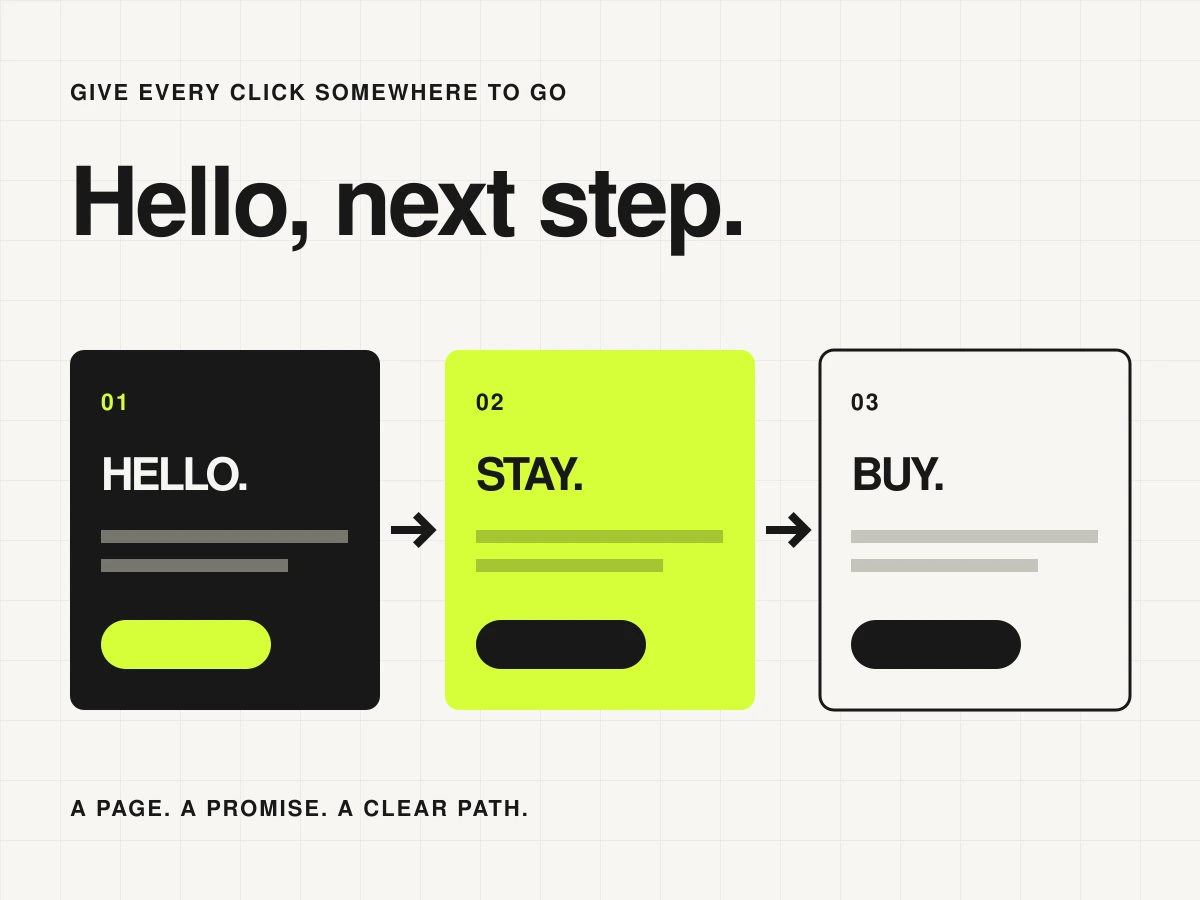
If you are building a newsletter, the main next step is subscribing. If you are selling a finished download, it is viewing or buying that product. You can offer a secondary route, but a page with five equally loud buttons gives the visitor an extra decision to make.
Write the page in this order: who it is for, what they get, what happens next. For a newsletter, show a sample issue or describe its subjects and frequency. For a product, explain the contents and format. The button should describe the action, not ask someone to ‘unlock their potential’.
Check which jobs one platform can do
MailerLite combines landing pages with its email tools. Kit’s feature set includes signup forms, landing pages, email and commerce tools. That makes each worth considering before you buy a separate page builder. Verify the relevant features and limits on the plan you are actually considering.
A specialist checkout may still make sense for your product, but you do not need to integrate everything on day one. A clear link can be sufficient. Choose a separate tool when you can name the capability it adds and the extra maintenance you are willing to take on.
Draw the path in plain words
| Starting point | Next step | What to check |
|---|---|---|
| Someone wants your newsletter | Signup form → confirmation or welcome | The promise matches the emails you intend to send |
| Someone wants your download | Product details → checkout → delivery | The right file arrives through the promised route |
| A reader has a question | Contact route → your review | You can find the message and respond |
Keep newsletter permission explicit rather than treating every purchase or enquiry as a subscription. Use your provider’s consent controls and keep the wording consistent wherever the form appears. The ordinary order receipt and the optional ongoing newsletter have different purposes.
Follow your own links, start to finish
- Open the page on your phone. Check that the main button is visible and descriptive.
- Submit the form using a test address you control. Check both the success message and the next step.
- Check a mistyped address, an already-subscribed address and the unsubscribe journey.
- For purchases, use the checkout provider’s documented test process and inspect delivery.
- Keep a simple note of which platform holds each record and where you change it.
A useful first version
For a newsletter-first project, begin with the signup page and one useful issue. For a product-first project, begin with a clear offer, a working checkout and delivery. Add the other pieces when there is something worthwhile for them to do. You can make the design lovely while keeping the machinery small.
Still choosing the email part? Our email marketing shortlist gives you three places to start.